Timesheets
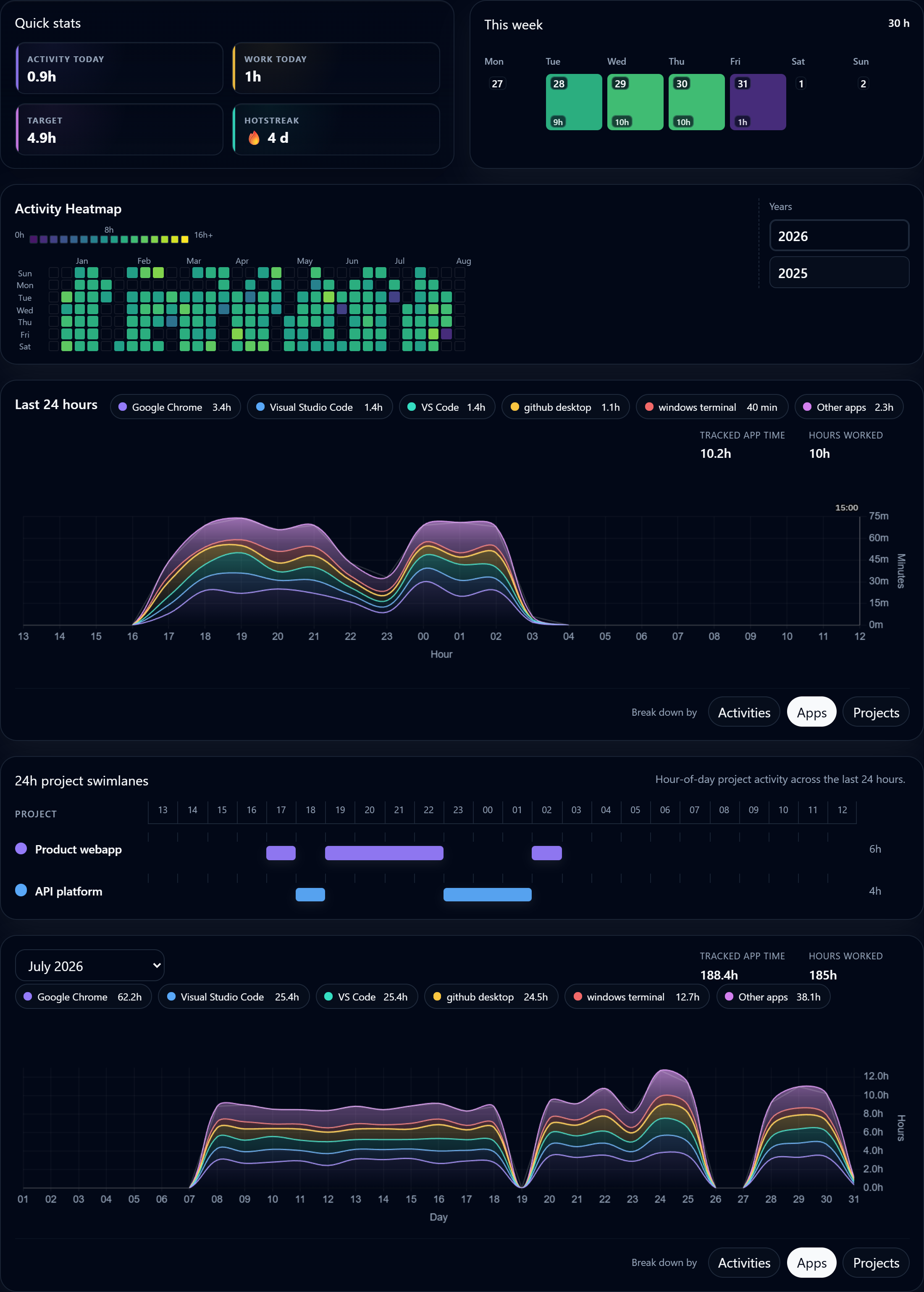
Review worked time before you share or submit it.
Privacy-first work analytics
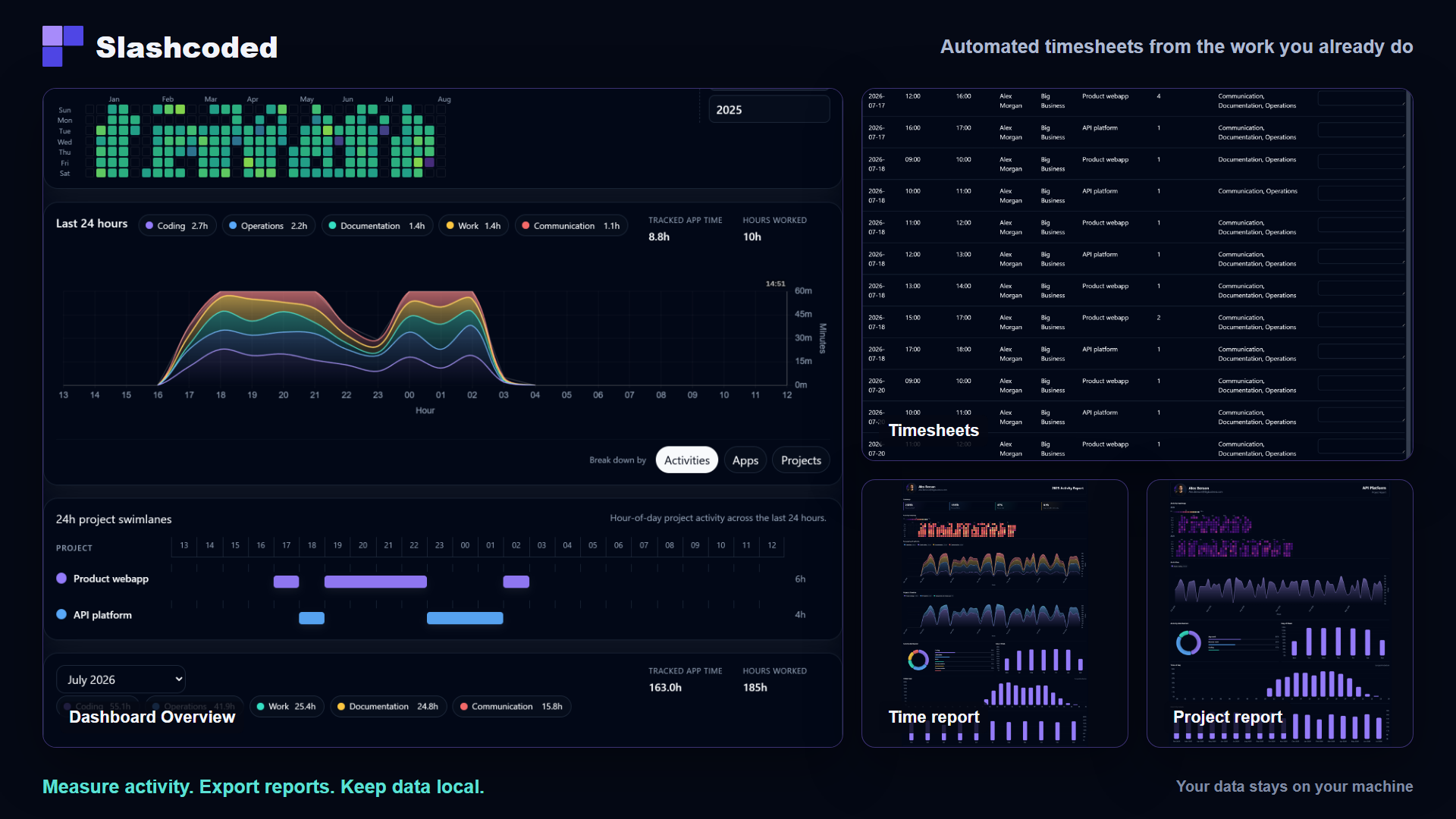
Measure time investment in IDEs, apps, and websites you allow. Your activity data stays on your computer. Automate and export timesheets, time or project reports.
How it works
Connect supported IDEs, choose desktop apps, and whitelist work websites.
SlashCoded combines those approved signals into one timeline on your computer.
SlashCoded combines those approved signals into one timeline on your computer.
Review timesheets, monthly summaries, and project reports built from that history.
Demo
Desktop app views in action
Vibe coding effort
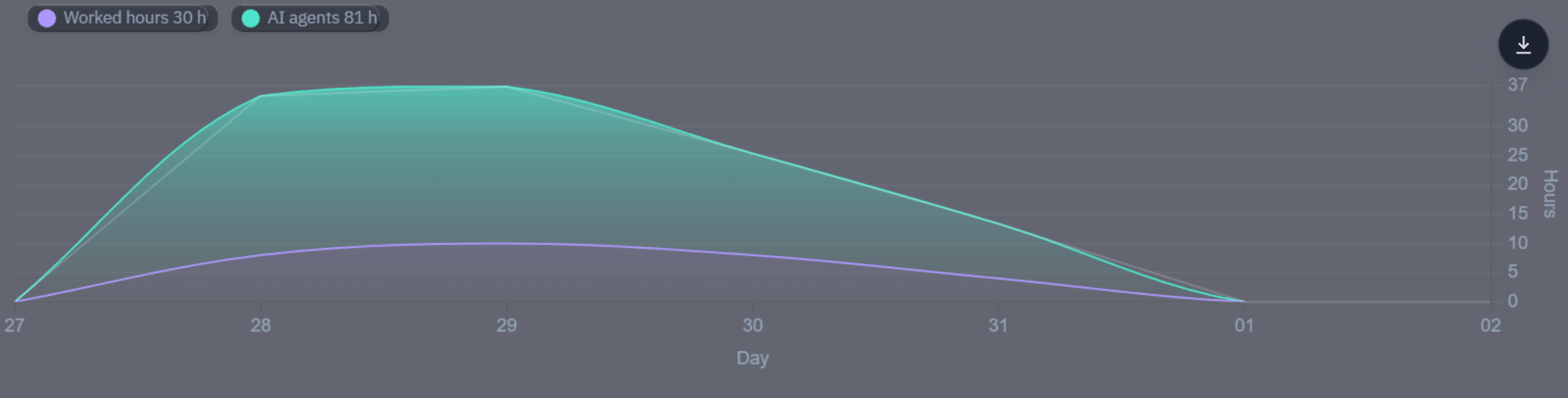
Review observed human hours, AI-agent hours, AI leverage, and model usage in one local work record. This screenshot uses the synthetic Full-Stack Engineer demo profile.
Why SlashCoded?
| Feature | SlashCoded | WakaTime | RescueTime | ActivityWatch | ManicTime |
|---|---|---|---|---|---|
| IDE activity | Yes | Yes | Partial | Partial | Partial |
| Allowed app activity | Yes | Partial | Partial | Partial | Yes |
| Allowed website activity | Yes | Partial | Partial | Yes | Partial |
| Reports and timesheets | Yes | Partial | Yes | Partial | Yes |
| Activity-data storage | Local | Cloud | Cloud | Local | Local |
| Account required for free use | No | Yes | Yes | No | Partial |
| Windows support | Yes | Yes | Yes | Yes | Yes |
| Public pricing model | Free + paid plans | Free + paid plans | Paid plans | Free | Paid plans |
Useful output
Review worked time before you share or submit it.
See how your professional work changed across the month.
Separate project activity without sending the underlying history to a cloud service.
Local by design
SlashCoded uses the web for account, trial, billing, and license management. Your observed work activity and report history remain in the local desktop database.
Start without an account
Try Pro for 30 days without a payment card. Your local history remains afterward.
| Capability | Free | Pro |
|---|---|---|
| Overview and local tracking | Included | Included |
| Timesheets and full reports | Preview | Included |
| Active devices | 1 | Up to 3 |
| Account required | No | Yes |
Launch integrations
Available
Add coding activity from the editor to your local SlashCoded timeline.
View VS Code integrationAvailable
Track activity only on the work domains you explicitly whitelist.
View Chrome integrationYour work. Your machine. Your record.